This video provides a hands-on walkthrough of Cal ID's white-label capabilities on the Business trial, which renews on October 31 at $10 a month with no card on file. It starts with the public page at cal.id/iwhitelabel, which shows three event types and a Powered by Cal ID footer, then opens Settings, Custom Branding, which holds a page banner, social profiles, brand colours and a brand logo and favicon, all unlocked on the trial. Purple brand colours are set for the light and dark themes, with a contrast warning, and the iwhitelabel logo goes in as the brand logo and favicon. Back on the public page, the buttons are purple and the footer shows the iwhitelabel logo instead of Powered by Cal ID, and the booking view uses the brand colour for the selected date. The video also shows per-client branding: a team called Northwind Academy with the team URL northwind gets its own Custom Branding tab with a teal brand colour and its own logo, and the team page at cal.id/team/northwind shows the teal button and the Northwind logo in the footer, with no Powered by line. General settings cover language, time zone and time format, and no custom domain setting was found in the app on this trial.
 00:01:50
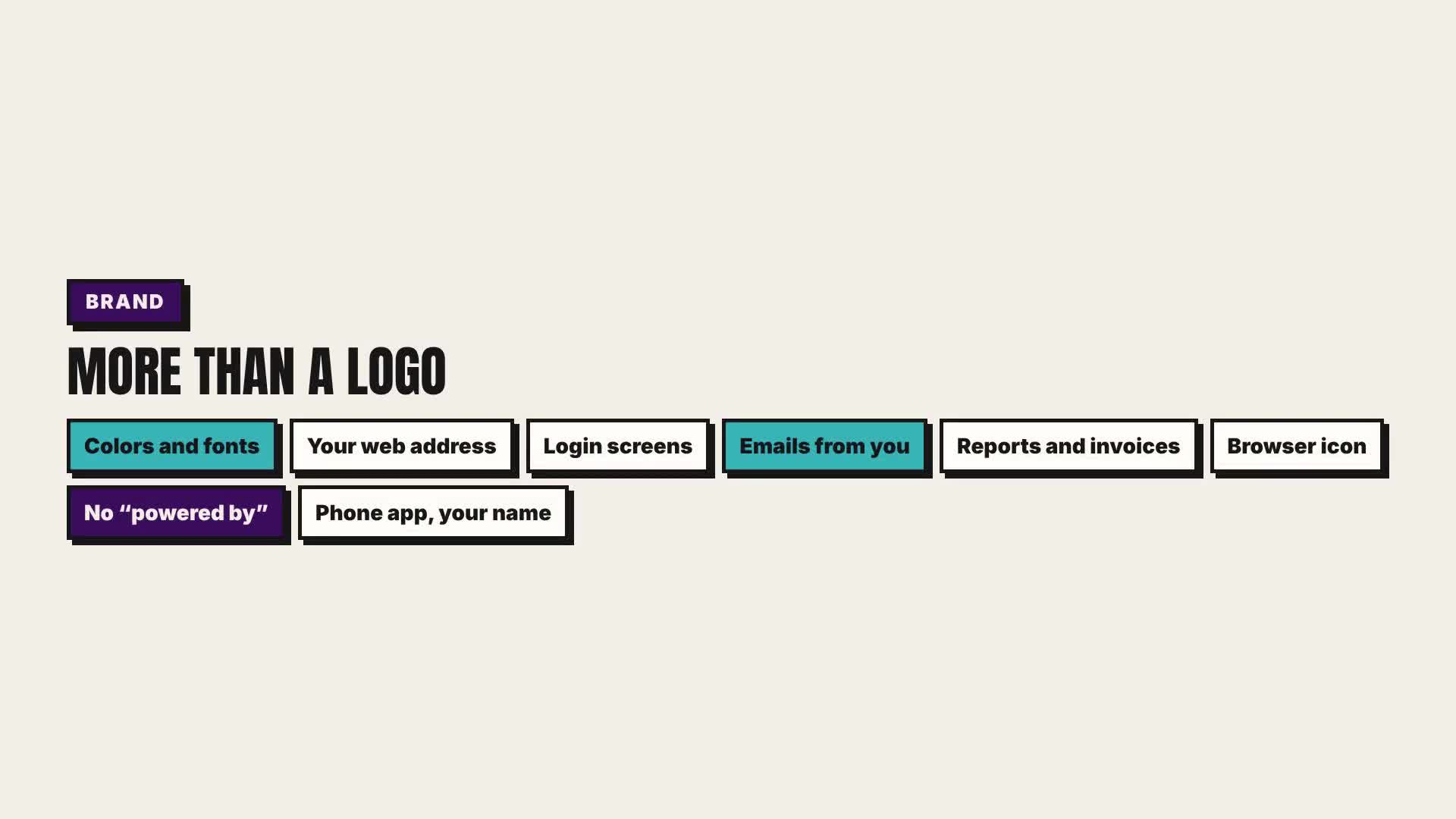
This video provides a hands-on walkthrough of Noloco's white-label capabilities on the free Build trial. Billing shows Build at $79 a month with custom branding and custom domains, while the free plan keeps Noloco branding. It starts with General settings, where the app is named iwhitelabel Client Portal and logos for light and dark backgrounds and a favicon are uploaded, and Layout and design, where a purple accent colour turns the preview sidebar purple. It then covers Custom domains, open on the trial, where portal.iwhitelabel.io is added and then cancelled, and Login and Sign Up, which takes your own title, subtitle and logo while the preview still shows Powered by Noloco and single sign-on needs the Enterprise plan. The video also shows Email settings with your own sender name, where a custom sender address through SMTP is a paid add-on, Custom code for header and footer scripts, locked on the trial, and Spaces, which need Enterprise. For per-client branding, a separate app called Northwind gets its own Noloco subdomain, logo and teal accent colour, the workspace lists both apps side by side, and each app keeps its own sidebar colour and logo, with the Noloco credit still at the bottom of the login page.
 00:02:21
 00:02:15
This video provides a hands-on walkthrough of DashThis's white-label capabilities on a 14-day trial. DashThis trials normally leave out the white-label options; the vendor switched them on for this review. The Dashboard Manager holds a Clients group with two client dashboards. The first, iwhitelabel Agency Overview, carries the agency logo and a custom colour theme named iwhitelabel, picked in the Colour Themes panel alongside preset themes and a second custom theme. At the bottom of the dashboard the 'Powered by DashThis' mark stays visible, with a 'Remove DashThis brand' link that leads to the white-label options. The Northwind Studio dashboard has its own logo and theme, so branding is set per dashboard, one per client, and Dashboard options include Edit Currency and Language for that dashboard only. Share a link gives clients a view-only page on dashthis.com with no login, and that view keeps the Northwind branding with the 'Powered by DashThis' footer. Share by email sends from notifications@dashthis.com, with a 'Use your custom domain address' link, an optional PDF attachment and a schedule from once to daily, weekly, monthly or quarterly. Export as PDF saves the dashboard under an editable file name, and each dashboard can be protected with a password. White Label Options asks for a CNAME record pointing to custom-domain.dashthis.com, with one custom domain per account; reports.iwhitelabel.io is entered, and Test validity and Apply are only hovered, so nothing is applied. The optional sender email field stays disabled until a domain validates, and 'Powered by DashThis' is only removed after that. Users Management lists one user with an Invite user button and no roles, and the admin app itself stays DashThis-branded. Plan & Billing lists White label options on every plan shown, from Professional at $139 to Enterprise at $664 a month, billed yearly.
 iwhitelabel
This video provides a hands-on walkthrough of Cal ID's white-label capabilities on the Business trial, which renews on October 31 at $10 a month with no card on file. It starts with the public page at cal.id/iwhitelabel, which shows three event types and a Powered by Cal ID footer, then opens Settings, Custom Branding, which holds a page banner, social profiles, brand colours and a brand logo and favicon, all unlocked on the trial. Purple brand colours are set for the light and dark themes, with a contrast warning, and the iwhitelabel logo goes in as the brand logo and favicon. Back on the public page, the buttons are purple and the footer shows the iwhitelabel logo instead of Powered by Cal ID, and the booking view uses the brand colour for the selected date. The video also shows per-client branding: a team called Northwind Academy with the team URL northwind gets its own Custom Branding tab with a teal brand colour and its own logo, and the team page at cal.id/team/northwind shows the teal button and the Northwind logo in the footer, with no Powered by line. General settings cover language, time zone and time format, and no custom domain setting was found in the app on this trial.